Part 0: Before Anything Else
If You've Never Used AI Before, Start Here
Part 0: Before Anything Else
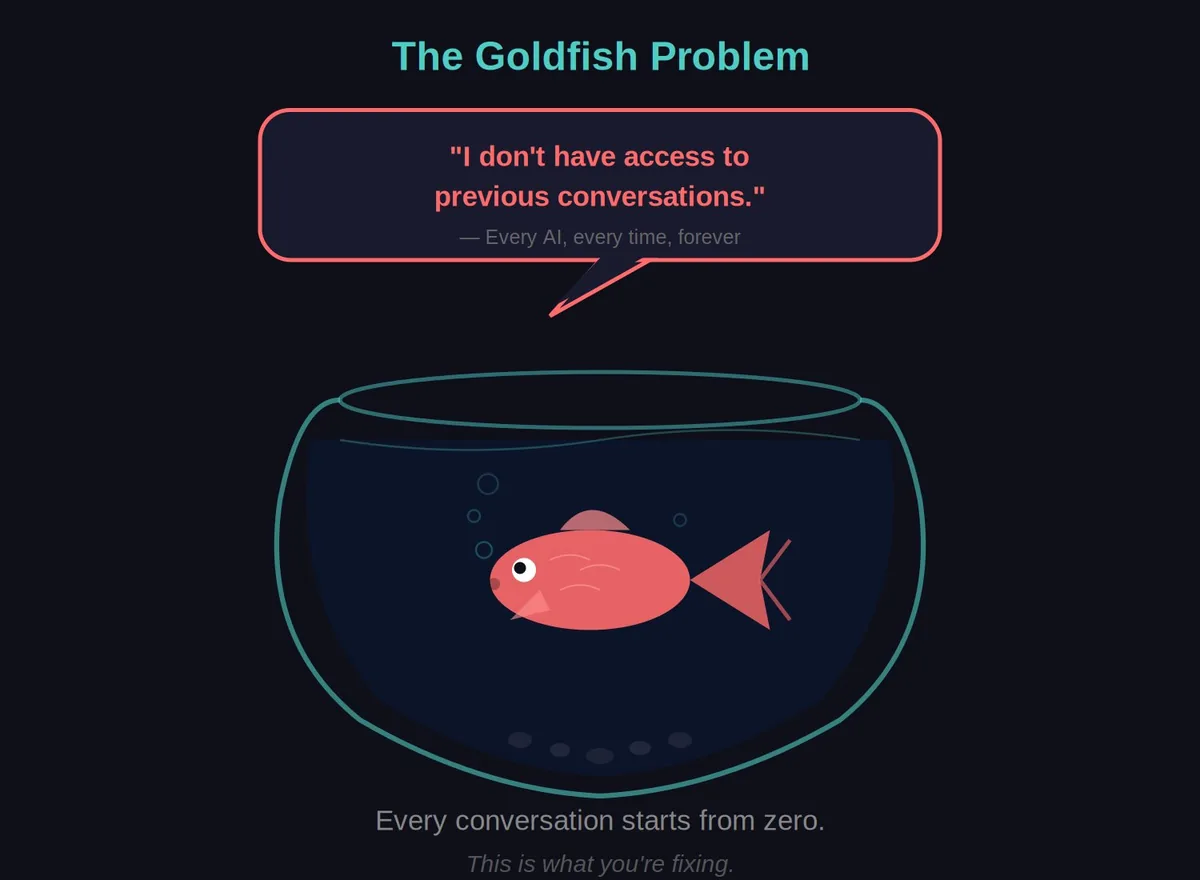
Fish started as a frustration. I was missing 30% of my calls because I was under someone’s oven with grease on my hands. Every AI I tried forgot who I was by the next conversation. Goldfish. All of them. This book is what happened when I decided to fix that.
If You’ve Never Used AI Before, Start Here
This section is for people who:
- Have heard of ChatGPT but never used it
- Don’t really understand what AI is
- Think this might be too technical for them
- Have meat fingers and hate typing
- Just want to know what the fuss is about If you already use ChatGPT or Claude regularly, skip to Part 1.
What Even Is AI?
Forget the movies. AI isn’t robots. It’s not Terminator. It’s not going to take over the world (probably).
What we’re talking about is basically a really smart autocomplete.
You know how your phone suggests the next word when you’re texting? AI is that, but trained on basically the entire internet, so it can suggest whole paragraphs, solve problems, write emails, and have conversations.
It’s called a “Large Language Model” (LLM) because:
- Large: Trained on billions of words
- Language: It works with text/words
- Model: It’s a pattern-matching system That’s it. It’s not magic. It’s very sophisticated pattern matching.
The Big Three (And Which One To Pick)
There are three main AI chatbots you can use right now:
ChatGPT (by OpenAI)
Website: chatgpt.com
Free tier: Yes, but limited
Paid tier: $20/month for GPT Plus
Vibe: The popular one. Your kids probably use it. A bit… corporate. #### Claude (by Anthropic)
Website: claude.ai
Free tier: Yes, generous
Paid tier: $20/month for Claude Pro
Vibe: Andy’s pick. More conversational. Will push back if you’re being dumb. Feels like a colleague. #### Gemini (by Google)
Website: gemini.google.com
Free tier: Yes
Paid tier: Part of Google One
Vibe: Good if you’re already in Google’s world. A bit eager to please. Andy’s recommendation: Start with Claude (free). It’s what Fish is built on. But honestly? They’re all good. Pick one and learn it.
Your First Conversation (5 minutes)
Let’s do this right now:
Go to claude.ai
Click “Sign up” (use your email or Google account)
You’ll see a text box that says “How can I help you today?”
Type: “G’day. I’m new to AI. Can you explain what you are in simple terms?”
Hit enter
Read what it says
That’s it. You just talked to an AI.
Try a few more:
- “What’s the weather like in Perth today?”
- “I’m a plumber. What are some common questions customers ask?”
- “Explain how a hot water system works like I’m an apprentice” Play around for 10 minutes. Get a feel for it.
✅ Checkpoint: You’ve had a conversation with an AI. You didn’t break anything. It wasn’t that scary.
The Big Problem: It Forgets Everything
Now try this:
Close the browser tab
Open claude.ai again
Ask: “What did we just talk about?”
It’ll say something like: “I don’t have access to previous conversations.”
FOR FUCK’S SAKE.
This is the goldfish problem. Every conversation starts from zero. It doesn’t remember you. It doesn’t know your business. It doesn’t know what you like.
This is what the rest of the book fixes.
“But I Can’t Type For Shit”
Yeah, neither can Andy. Meat fingers. Vape in one hand. Brain going faster than the keyboard.
Here’s the secret: You don’t have to type.
Option 1: Voice Typing (Built into your phone/computer)
On iPhone/iPad:
Tap the text box
Tap the microphone icon on the keyboard
Talk
It types for you On Android:
Same thing - microphone icon on keyboard On Mac:
Press the Function (fn) key twice
Talk On Windows:
Press Windows + H
Talk #### Option 2: Ask AI to build you a better voice setup
Once you’re comfortable with the basics, ask Claude:
“I want to talk to you with my voice instead of typing. Can you help me set up a simple voice-to-text system? I’m on [Mac/Windows] and I’m not technical.”
Andy built something called “Ghost Whisperer” that transcribes his voice and sends it to Claude. You can build one too - Claude will help you.
How To Actually Talk To An AI
This is the bit most people get wrong.
It’s called a Large LANGUAGE Model. It needs actual language. Sentences. Context. Detail.
Bad prompt:
“quote oven”
AI thinks: “Quote… what? Oven… which oven? For what? Who’s asking? WHAT DO YOU WANT?”
Good prompt:
“I’m a tradie in Perth. A customer just called asking for a quote to replace the element in their Westinghouse 603 oven. They’re in Joondalup which is about 30 minutes from my base. I usually charge $120 callout plus parts and labour. Can you help me draft a quote for them?”
See the difference? The second one gives:
- Who you are
- What you need
- Specific details
- Context
- A clear ask #### The Apprentice Rule
Talk to AI like you’re explaining something to a new apprentice.
You wouldn’t say to an apprentice: “Fix thing.”
You’d say: “Alright mate, so this customer’s got a Westinghouse 603, the element’s carked it, you can tell because [details]. Here’s what we’re gonna do…”
That’s how you talk to AI.
The 200-Word Sweet Spot
Really short prompts (under 50 words) = AI has to guess what you want
Really long prompts (over 500 words) = AI might miss the point
200-300 words is the sweet spot. Enough context to understand, not so much it gets lost.
The Fourth Wall: Use This Book WITH Your AI
Here’s the cool part.
You don’t have to understand everything in this book. If something confuses you, do this:
Copy the confusing section
Paste it into Claude
Ask: “Can you explain this in simpler terms? I’m not technical.”
Claude will translate it for you.
The book and the AI work together. That’s the whole point. You’re not learning to do this alone - you’re learning to do this WITH an AI helper.
If you get stuck at ANY point in this book:
- Copy the step that’s confusing you
- Paste it to Claude
- Say: “I’m stuck on this. Can you walk me through it like I’m a complete beginner?” This isn’t cheating. This is literally the skill we’re teaching you.
The “I’m Too Old/Dumb For This” Lie
Andy’s in his 40s. Psychology degree from 20 years ago. Installs oven elements.
He built an AI that runs part of his business.
If he can do it, you can do it.
The difference between Andy and most people isn’t intelligence. It’s stubbornness. He just kept asking Claude “okay but HOW do I do that?” until it made sense.
You can do the same thing.
Ready?
You now know:
- What AI actually is (fancy autocomplete)
- Where to find it (claude.ai, chatgpt.com, gemini.google.com)
- How to have your first conversation
- How to talk to it properly (200-300 words, like explaining to an apprentice)
- How to use voice if you can’t type
- How to use the AI to understand this book The goldfish problem: AI forgets everything between conversations.
The rest of this book: How to fix that.
Let’s go build your Fish. 🐟
💰 What It’ll Cost
|——-|——|——|————–|
Start with Basic. Most people should STOP at Basic. Seriously. It’s enough.